
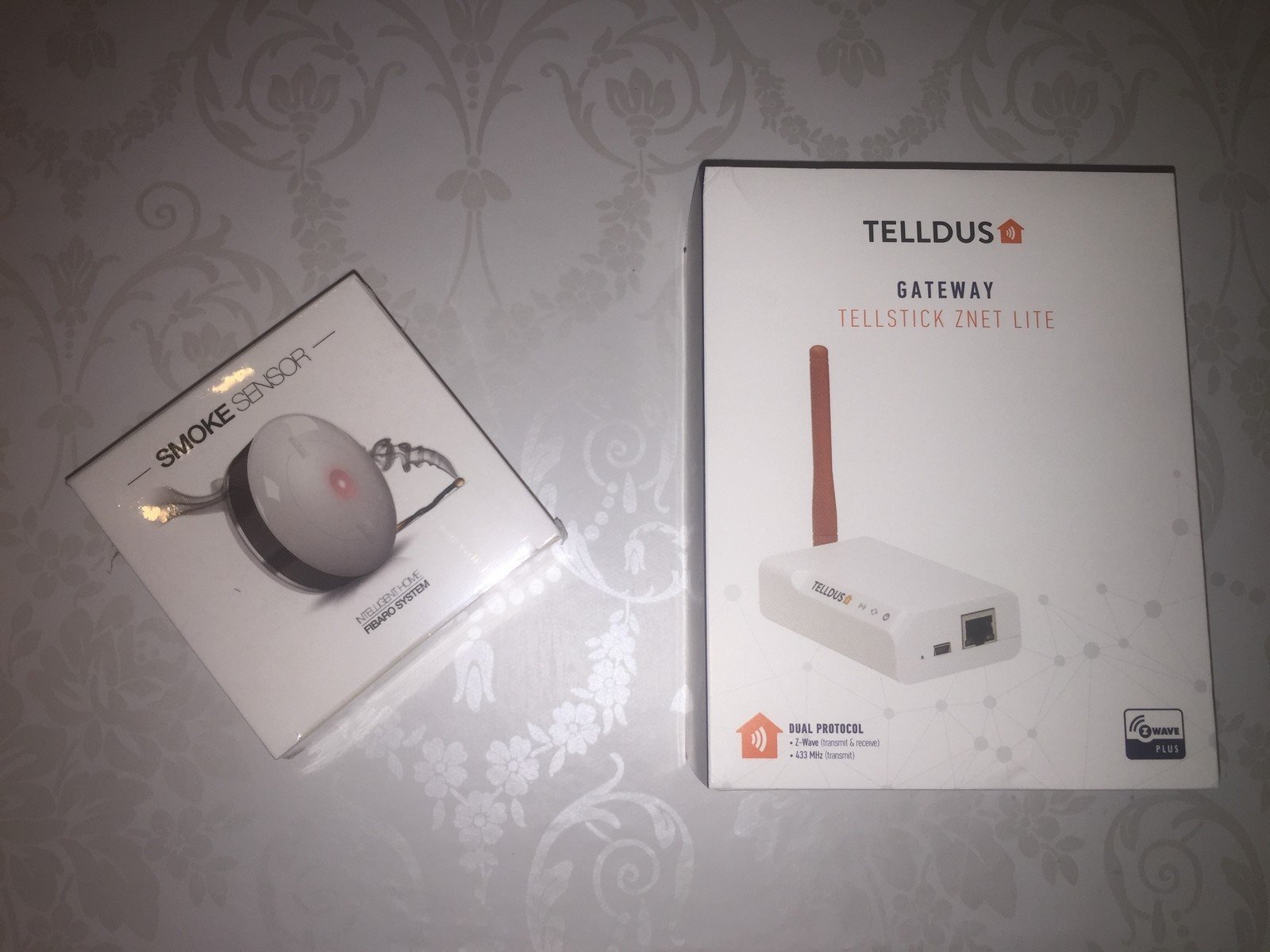
Testing Fibaro Smoke Sensor with Tellstick Znet Lite
I successfully tested the Fibaro smoke sensor with my (Telldus) Tellstick Znet Lite today.
Summary:
- Add it to Association Group 2 under Device settings in Telldus Live.
- Test it with REAL smoke, as test-alarm won’t trigger.
The Fibaro smoke sensor
…is actually a beautiful little thing, compared to other ugly smoke sensors. It has some nice features like tamper-protection/alert and built in temperature-sensor. The smoke-alert can also be triggered by high increase of temperature.
Here are some Norwegian online-stores that sells it:
- https://www.netonnet.no/art/hjem-og-hushold/smartehjem/fibaro/fibaro-smokesensor/205708.11675/
- http://www.teknikmagasinet.no/produkter/hjem-o-husholdning/sikkerhet/brannvarslere/fibaro-smoke-sensor
- https://www.dustinhome.no/product/5010876534/smoke-sensor-fgss-001
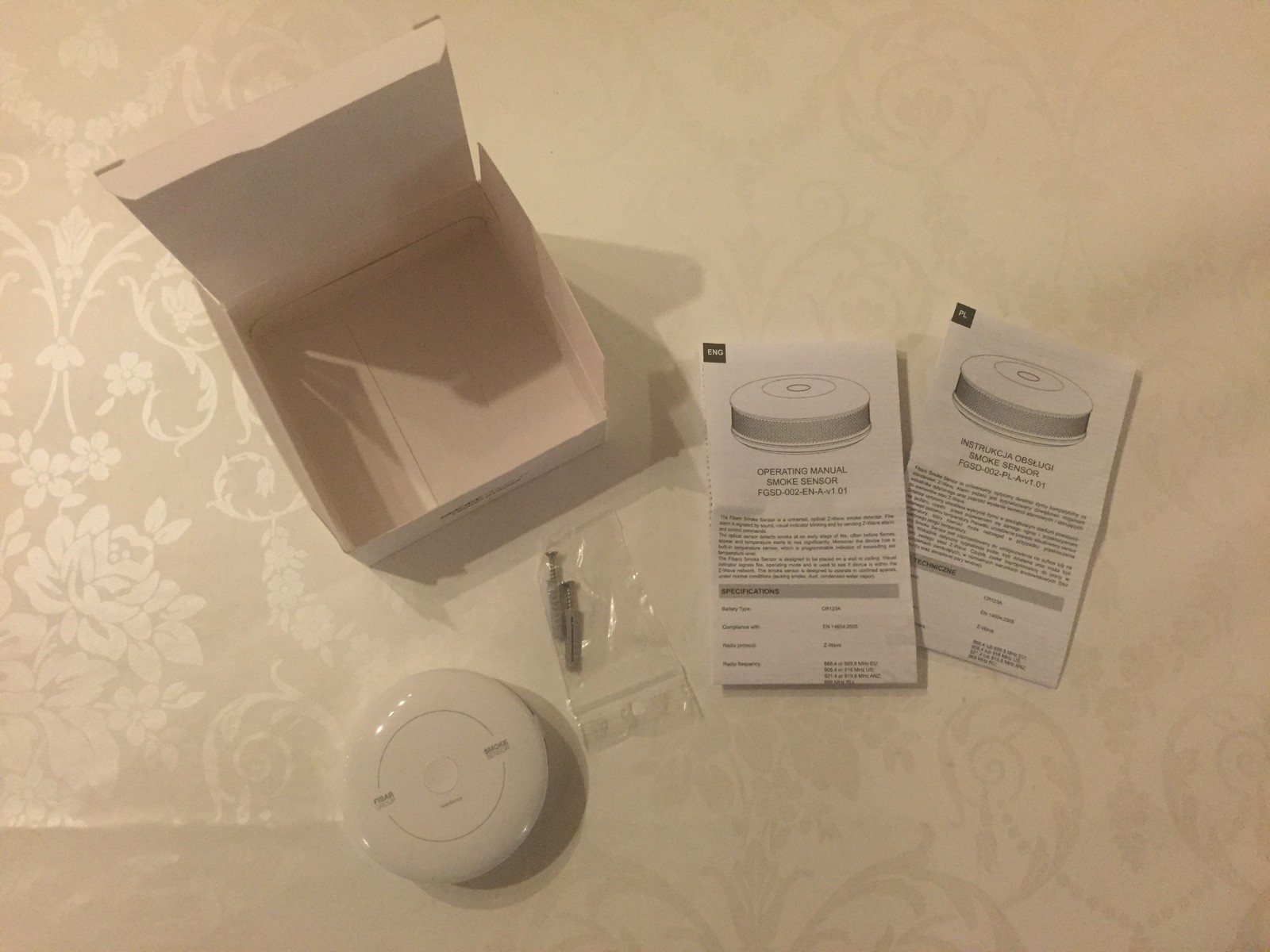
Be sure to buy the FGSD-002 version and not the first. I bought mine from NetOnNet as it was cheapest there (499 NOK) and they also sell the second version.
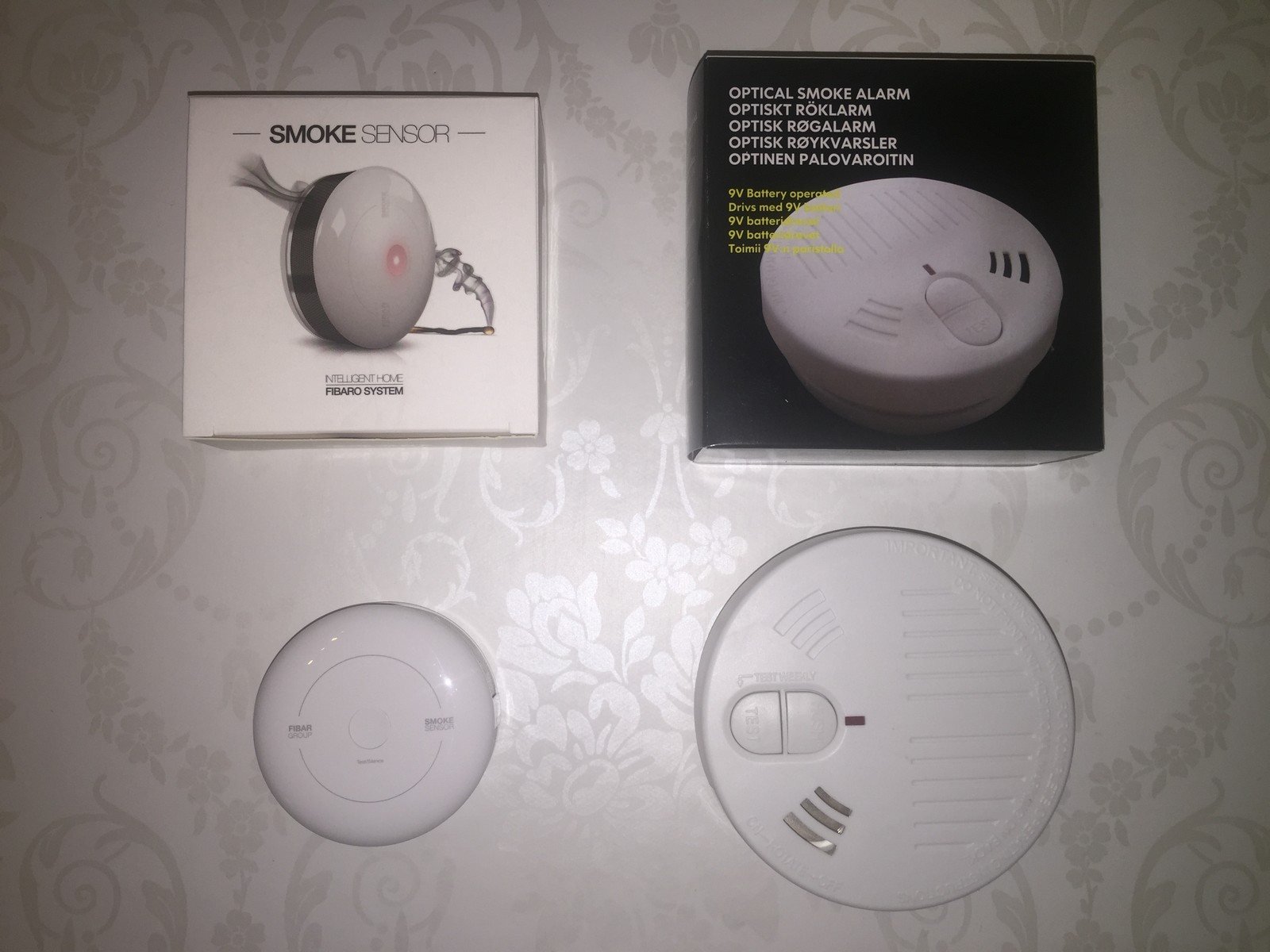
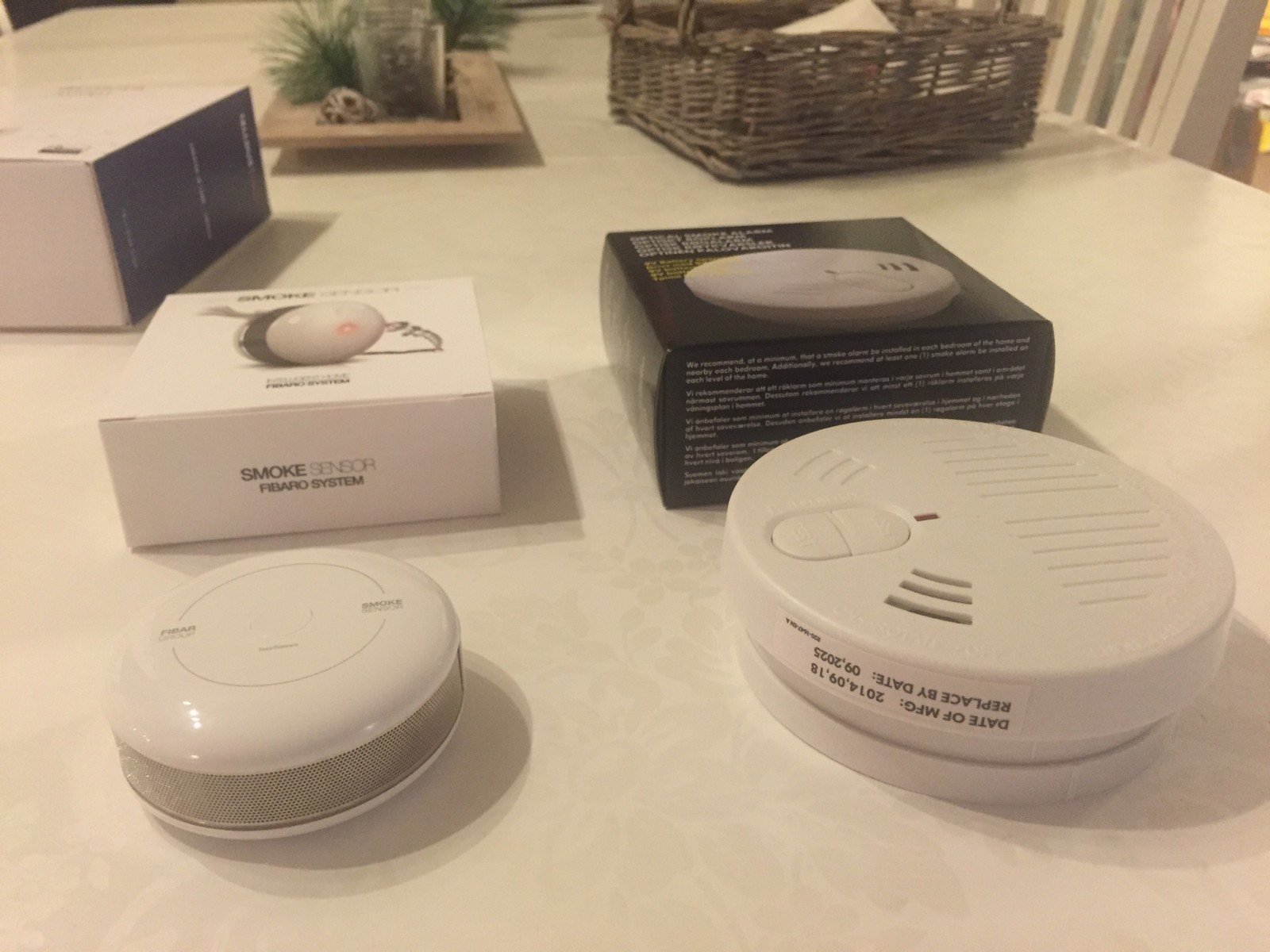
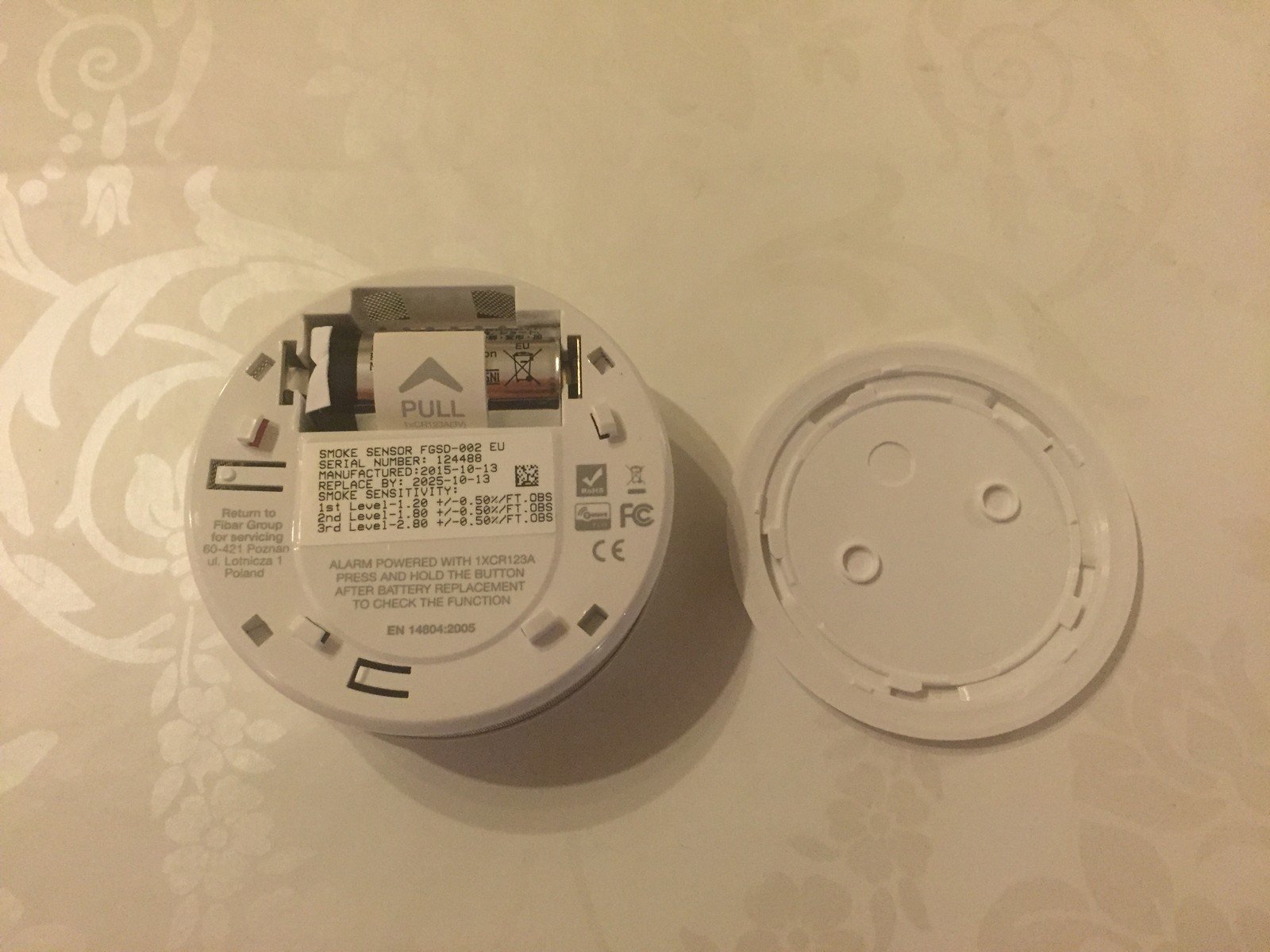
Below you can see it compared to a smoke alarm from IKEA. I thought the one from IKEA was small and nice before I received the Fibaro smoke sensor 🙂
Adding it to Telldus
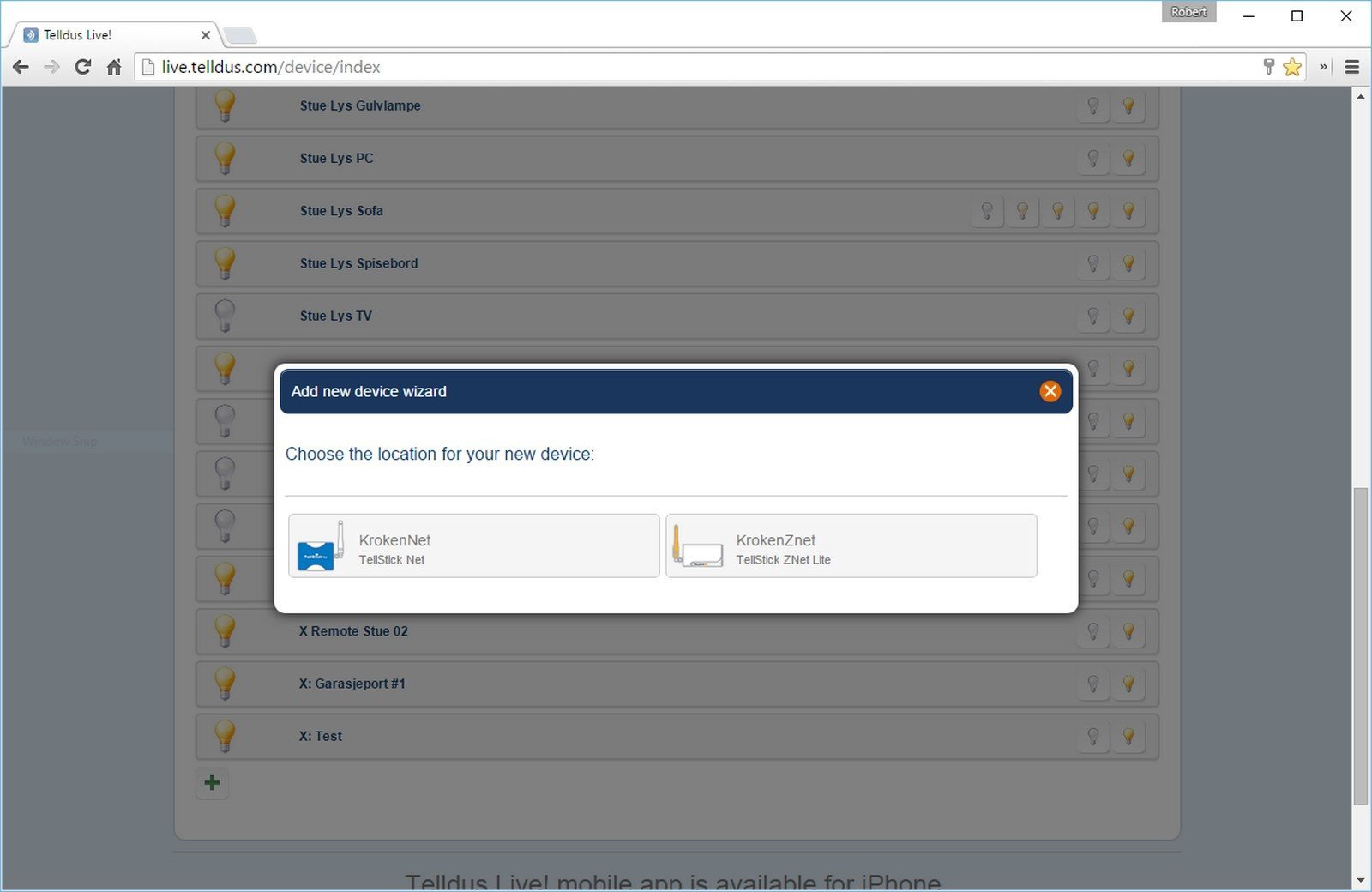
Click plus to add a new device and then on your Znet-location/controller.
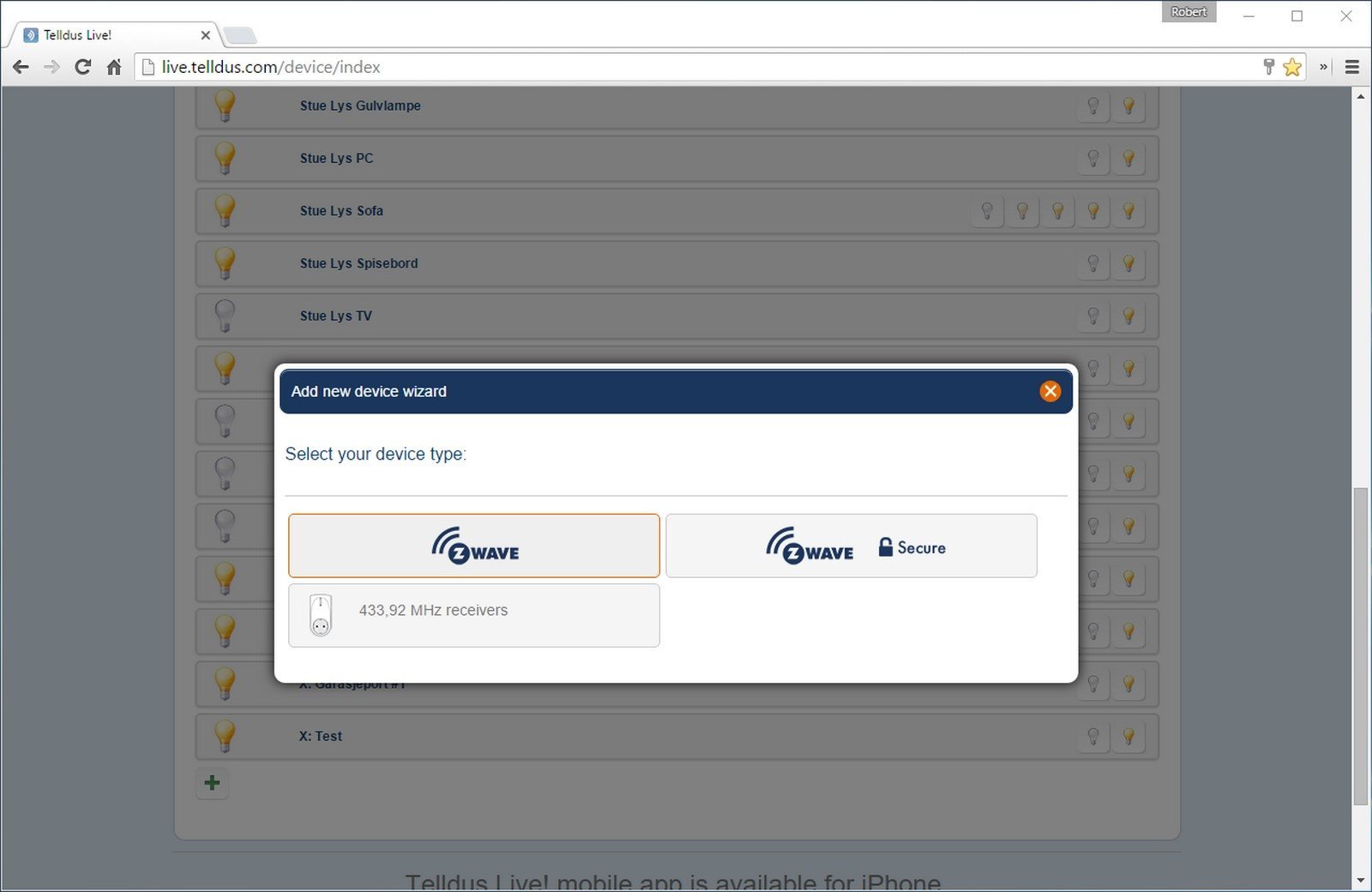
Click on the standard Z-wave
I didn’t take a screenshot when pairing the device, but that is just straight forward by following the Telldus-instructions.
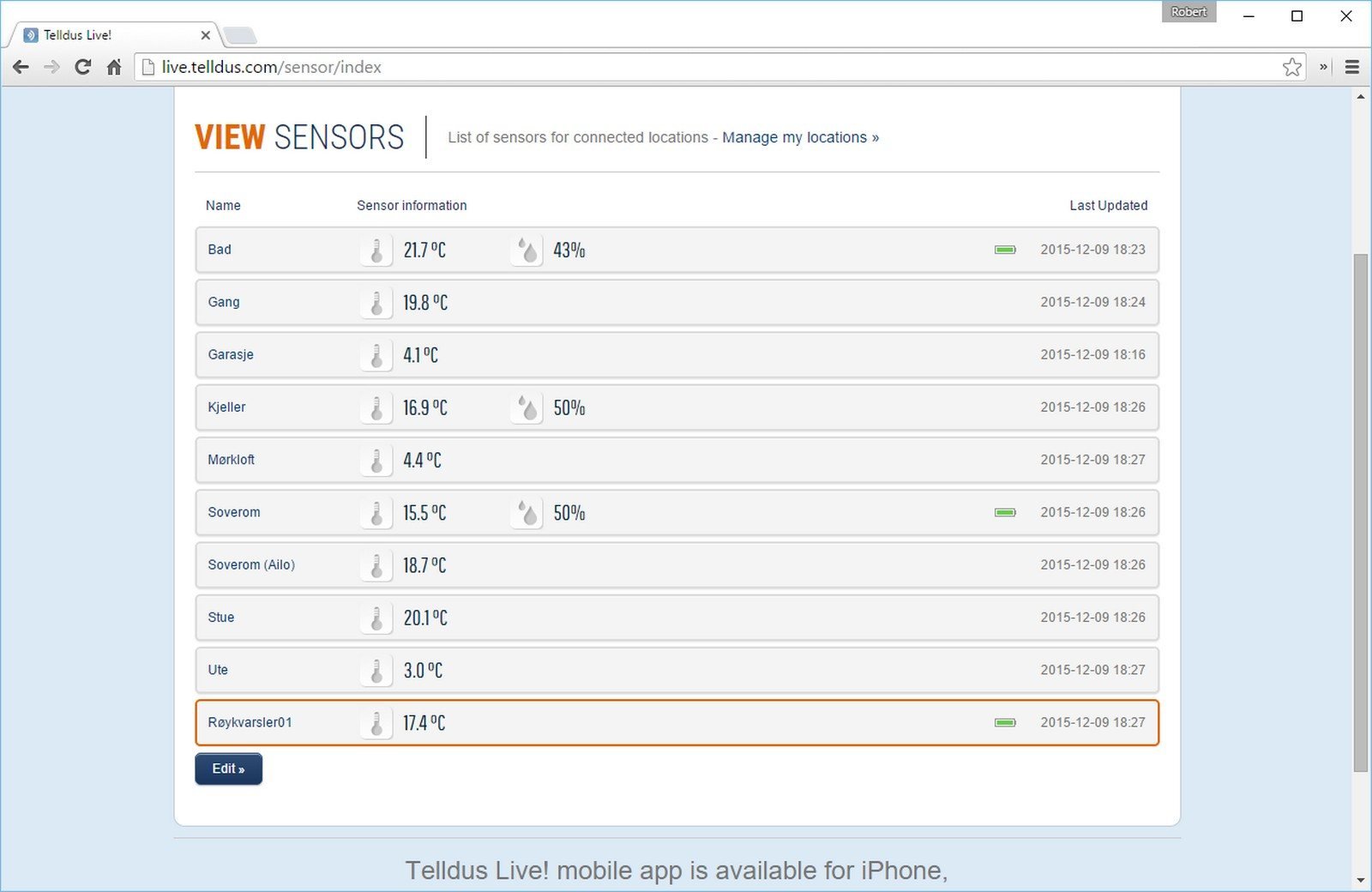
After it’s successfully added, you will see it as an device under Devices and the temperature under Sensors.
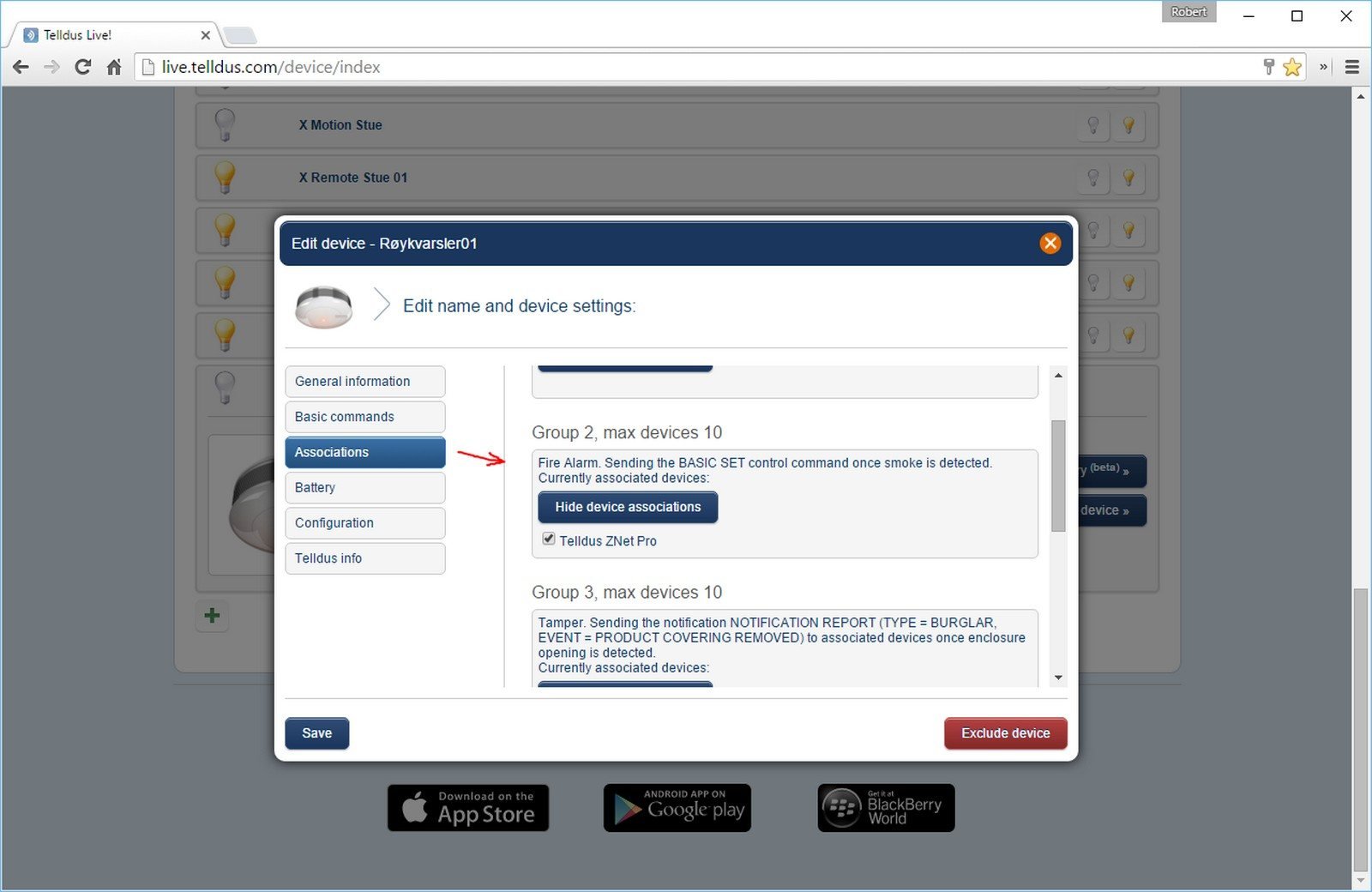
From the discussion in the Telldus-forum, you have to associate the smoke sensor with Group 2.
You can find this by clicking Edit device -> Associations -> Edit device associations -> Check Telldus Znet Pro. Not really sure why it’s written Pro, as I have the Znet Lite, but it’s probably a little bug from Telldus.
Setting up notifications
I think you need a Pro-subscription in Telldus for this.
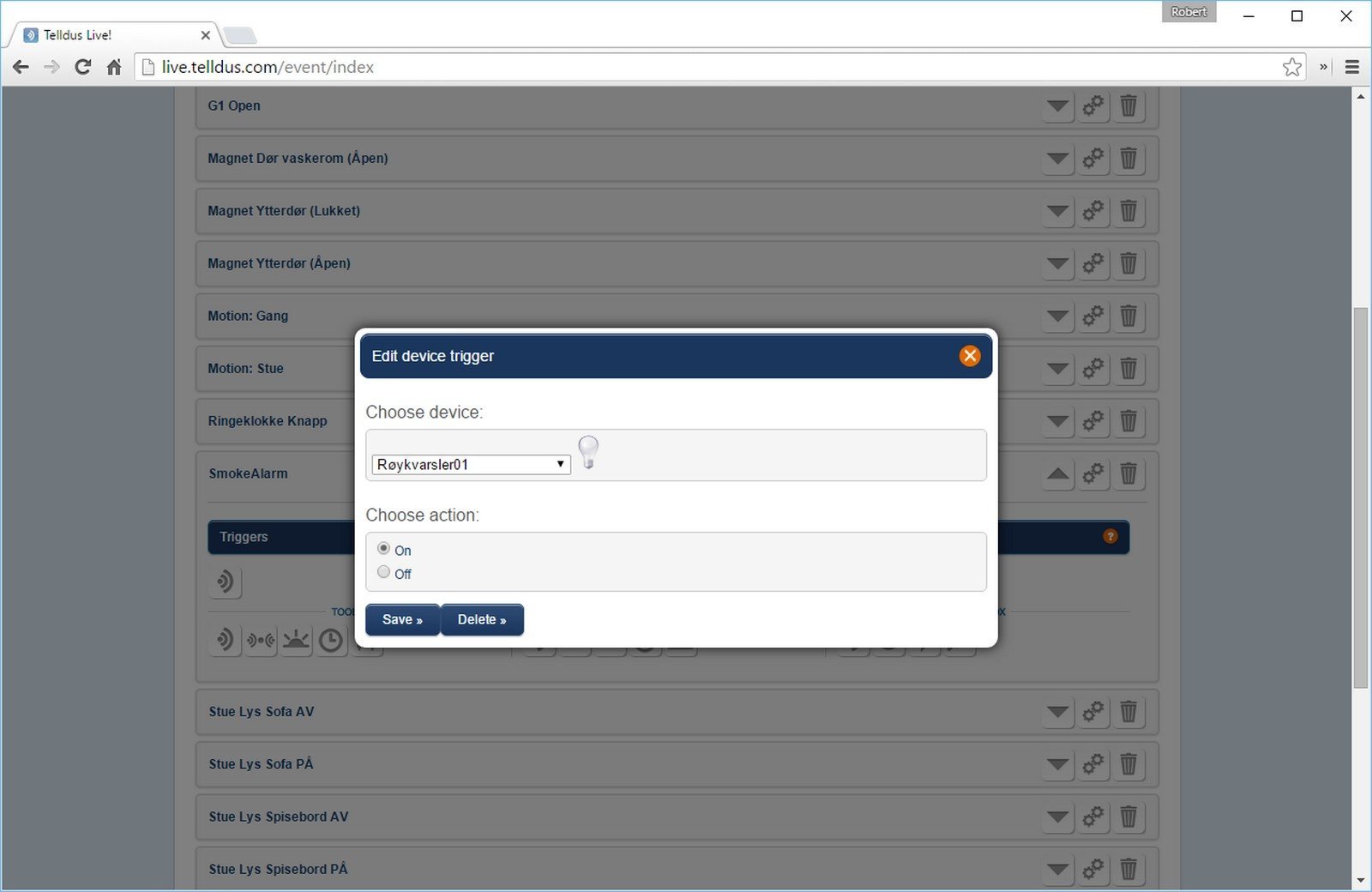
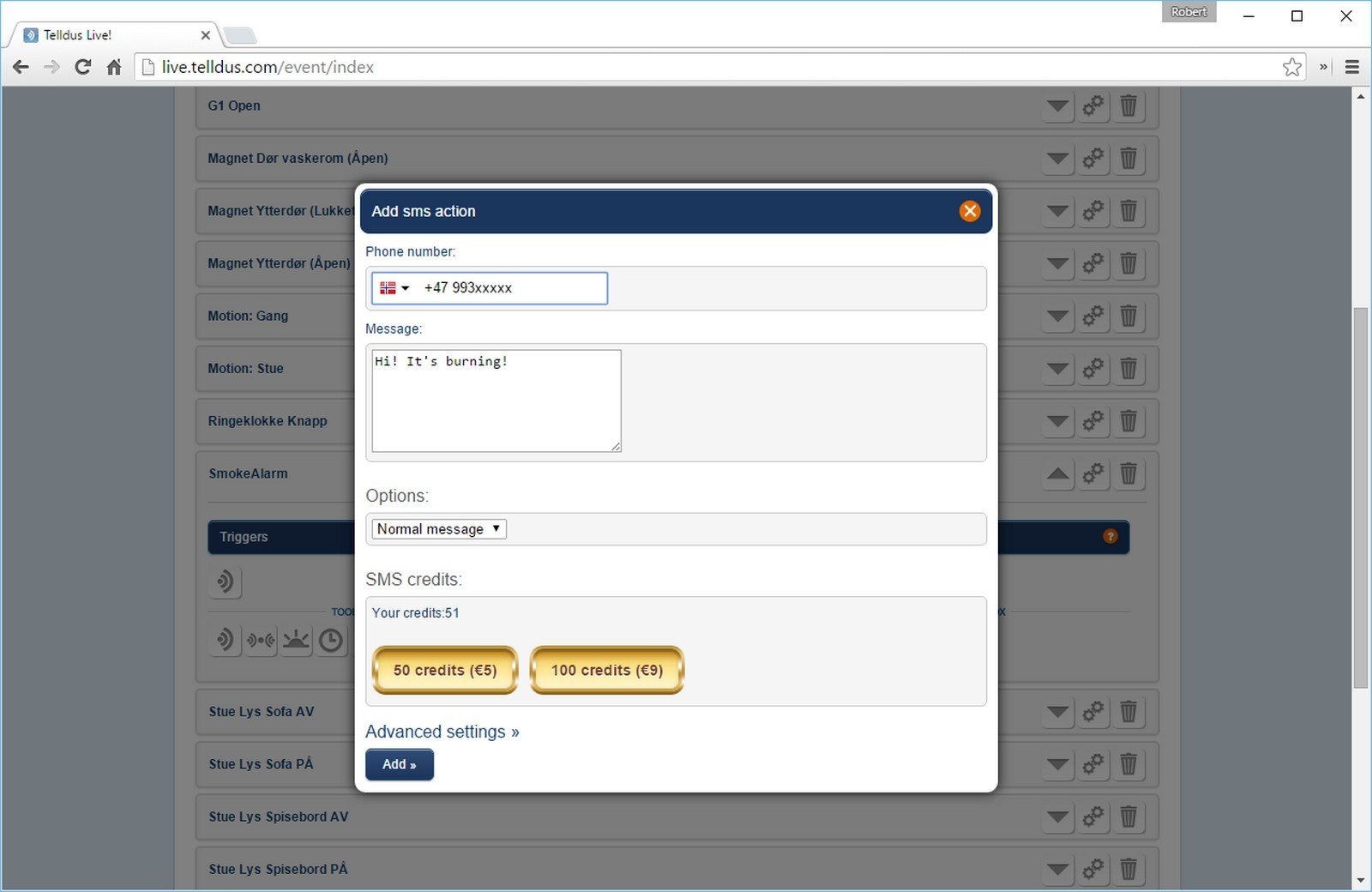
I added an Event to send me an SMS if «Røykvarsler01» (SmokeAlarm01) turns on.
Testing it
Getting this to work took me some time, because there was no change or event triggered in Telldus when I tested it with the test-button.
After some googling, I found a reply from Fibaro, posted in another forum.
Dear Sir,
First off all I would like to mention that “test” alarm does not send the alarm frame.
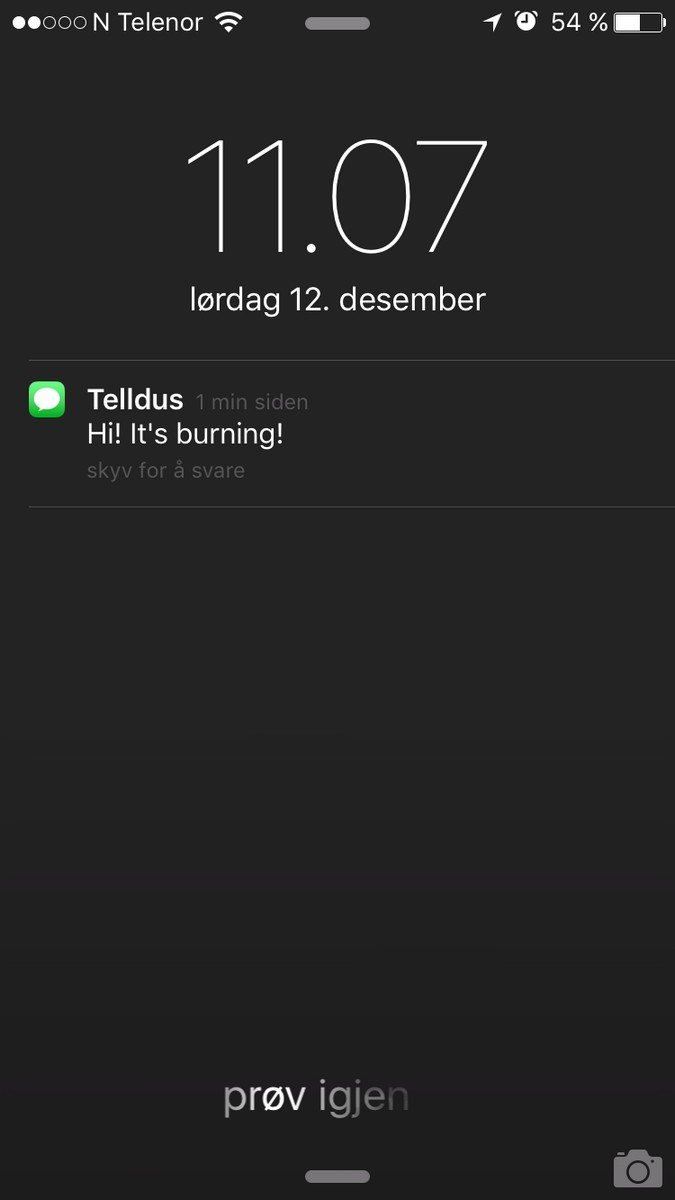
So after I tested it with real smoke from a candle today, everything worked!
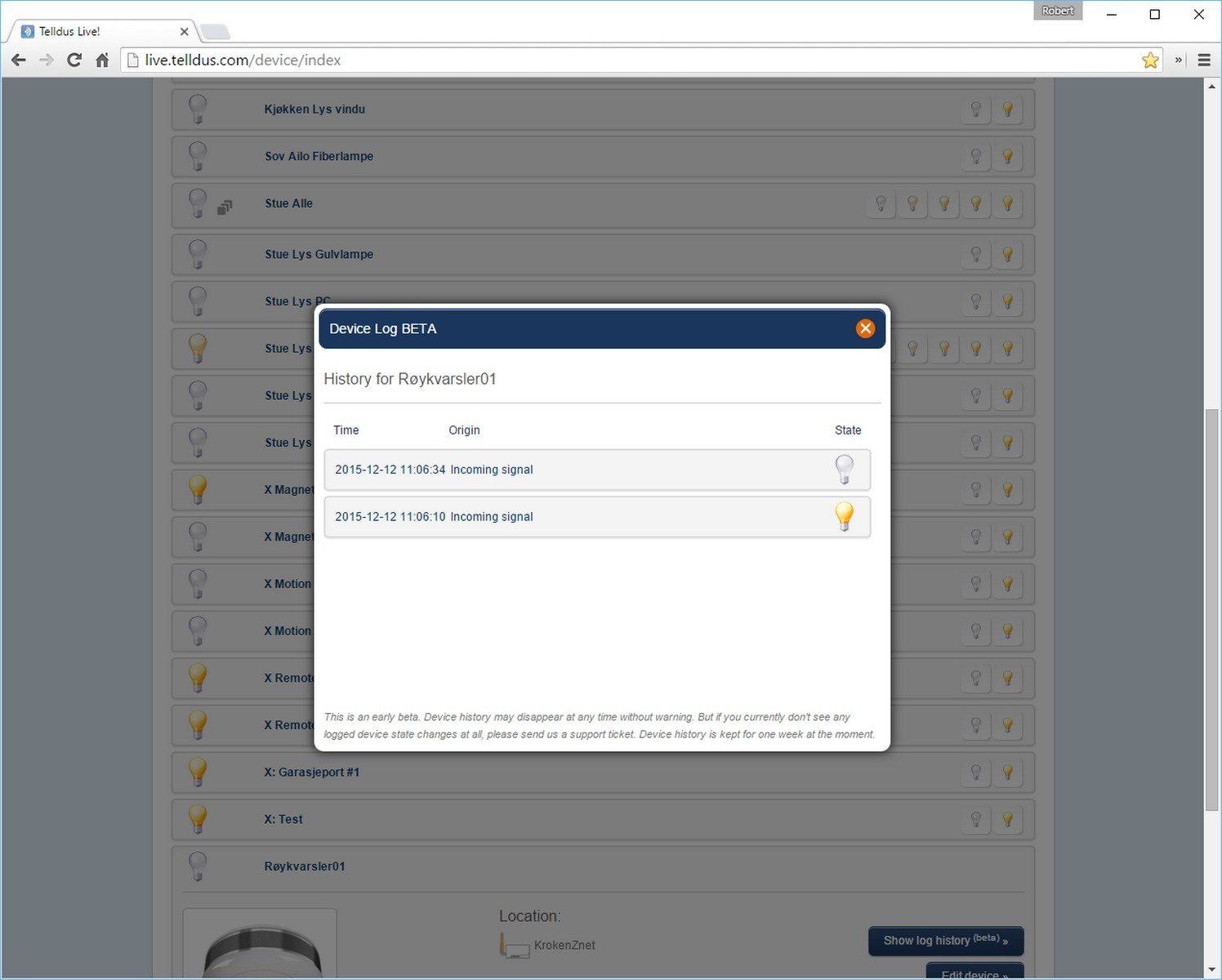
You can also view the history of the smoke sensor, to see when it triggered.
Conclusion
The Fibaro Smoke Sensor is cheap, looks nice and it works – so I would absolutely recommend it, as it’s one of the best solutions for a home-fire-system I have found so far.
When it comes to using it with the Telldus, it works – But Telldus has a long way to go before it can be used as an smart home system.
Here are some reasons why I don’t think Telldus is the best system when using other devices than standard lights and/or temperature sensors:
- It doesn’t have any method to group your devices by room or type.
- The icons are light bulbs, but just half of my devices in Telldus are actually lights.
- They are slow to update their software. In my iPhone app I actually have an on/off button for the smoke sensor.
- I can’t figure out if it’s possible to configure the tamper-protection-alert with for the smoke-sensor with Telldus.
- I can’t figure out if it’s possible to trigger multiple smoke alarms if just one triggers.
- Bad notification-system. To get a notifications if there is a fire, you have to manually set it up to send an SMS. If you buy 20 smoke sensors, you need 20 events. You also need to have a Pro-subscription. If your SMS-credits are empty, you don’t get a notification. They should absolutely use push messages with their app instead.
Update 20.01.2017
I now have four smoke detectors, but have not had a full scale test yet – because of range issue in my house. I have bought some Z-wave on/off plugs to work as repeaters. Hoping to do a full scale test soon.
As for the conclusion above, something has changed since i first wrote the article. Telldus now supports push-notifications. There is also a parameter to trigger other smoke-alarms in the same network if one triggers. I’m not sure if this choice is added in an update or if it’s because I have more than one now.
There has been asked a question in the forum about how to reset the fire-alarm after triggered. This is a question I hope to answer when I start my full scale testing. The documentation has a BASIC OFF feature that can be sent in case of Fire Alarm cancellation. I probably will write a LUA-script for a Fibaro-button to send a alarm-cancel signal.
Kommentarer
Laster kommentarer …